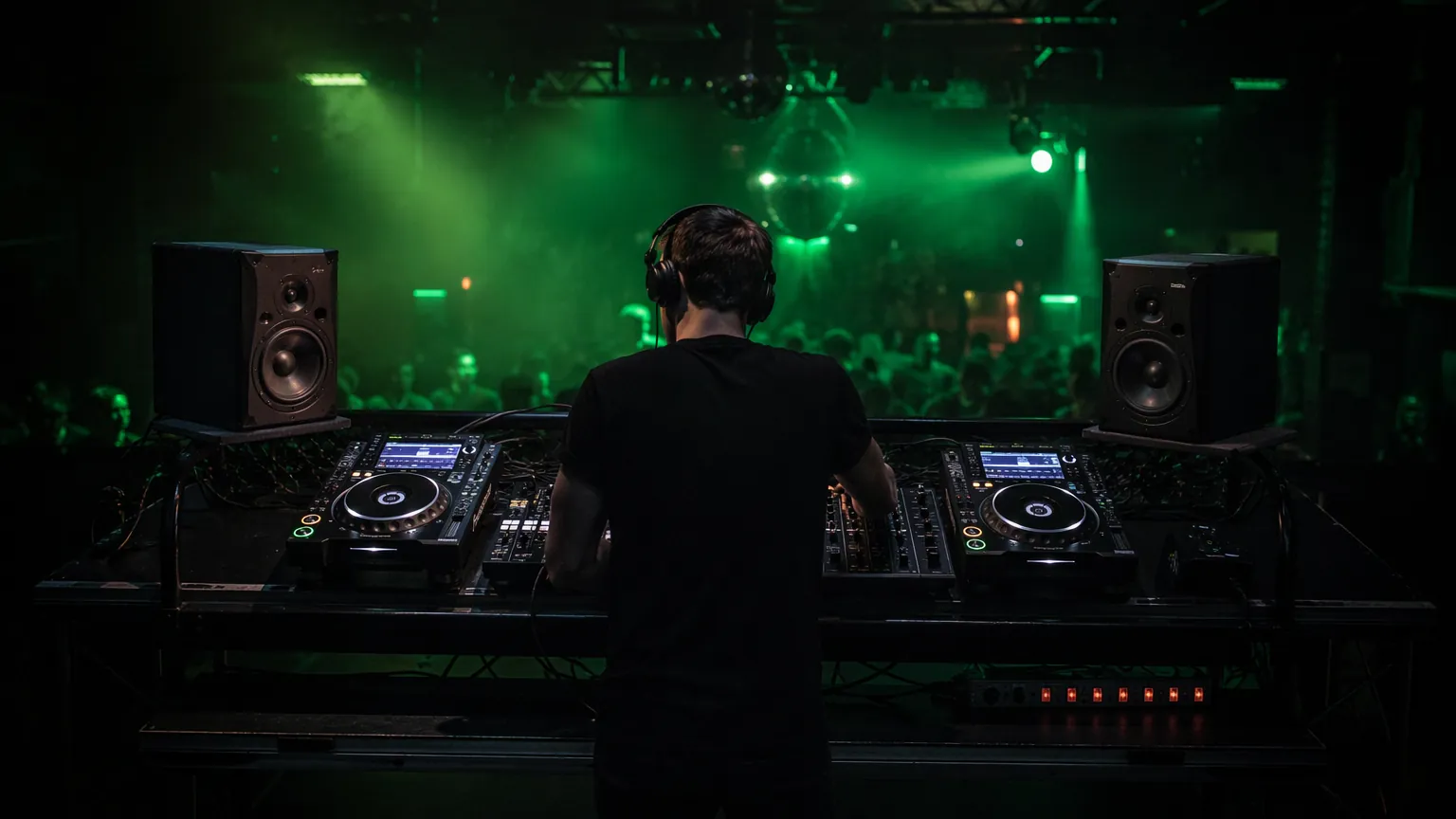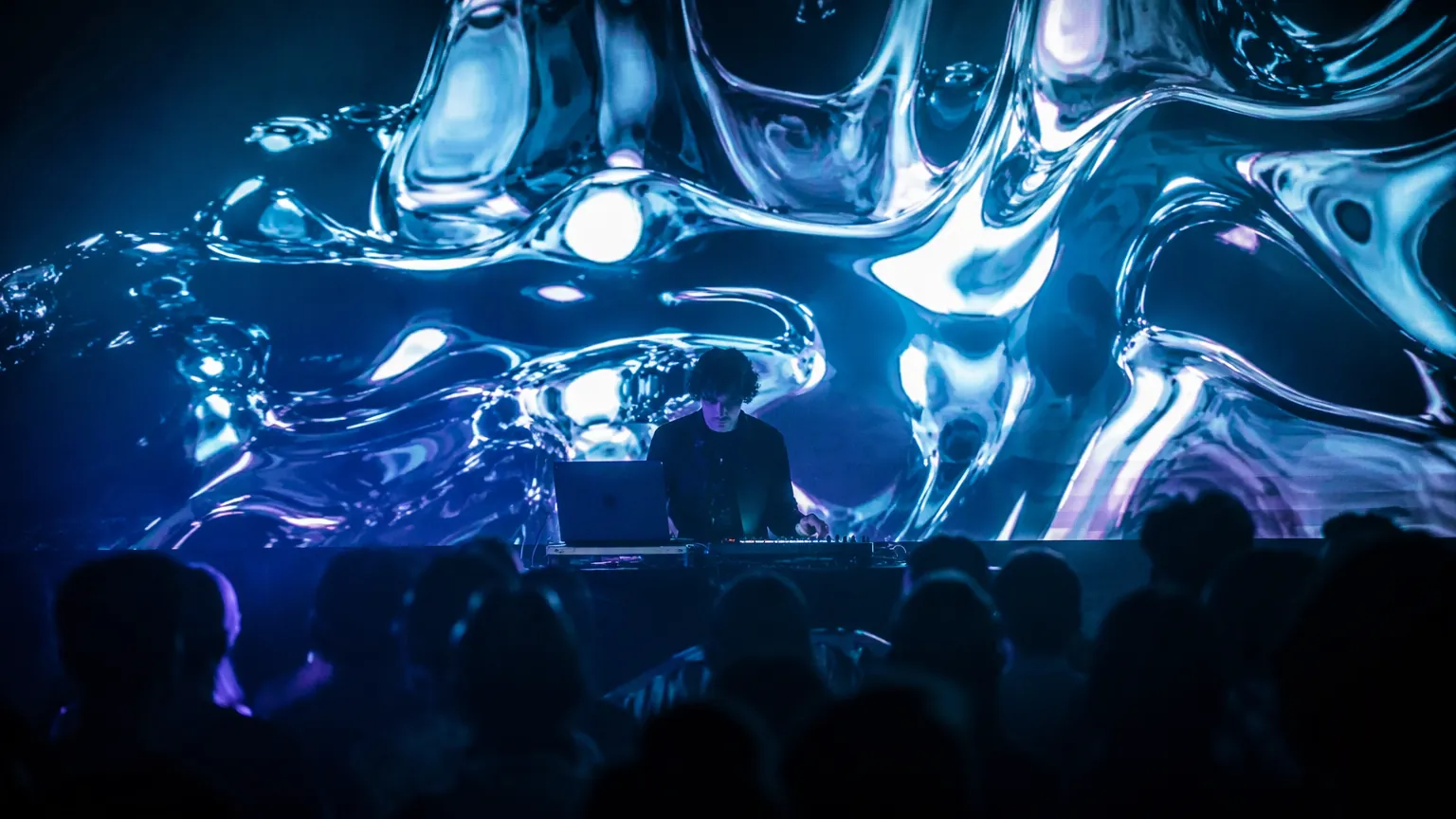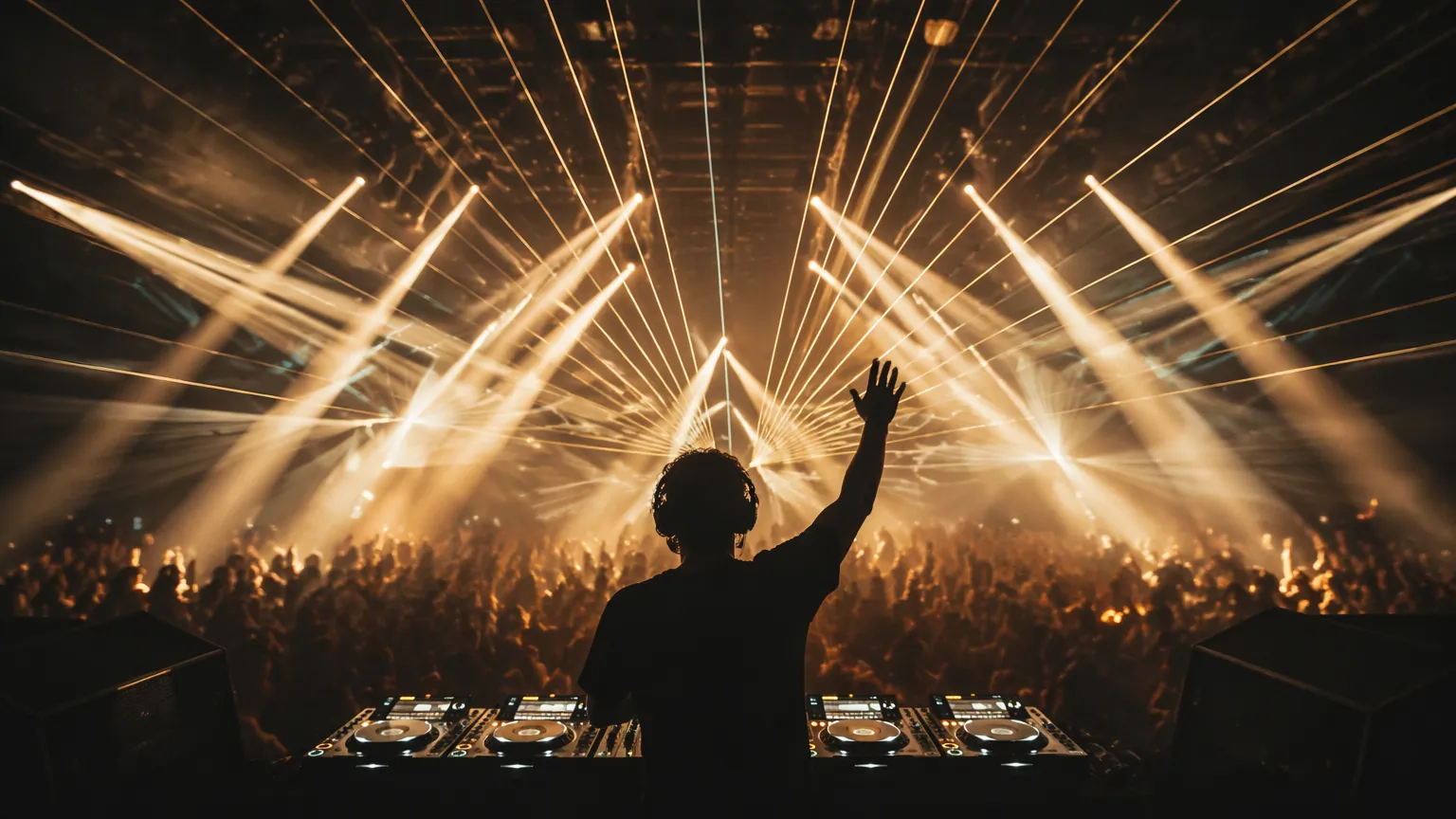
"Syncing the show" can mean anything from a sound active par can blinking at the kick drum to a fully timecoded production where the DJ's every move triggers lights, visuals, lasers and pyro across three departments. The right level depends on one question: is the set planned or improvised?
| Level | How it works | Precision | Cost to start |
|---|---|---|---|
| 1 · Sound active | Fixtures hear the music and chase the beat | Reacts, doesn't predict | $0 (built in) |
| 2 · SoundSwitch | Programmed ahead tracks, triggered from DJ software | Beat perfect on prepared tracks | ~$80/yr + interface |
| 3 · Clock sync | Ableton Link / MIDI clock shares BPM across apps | Tempo synced, not cue synced | Free–low |
| 4 · Timecode | SMPTE/MTC from the decks runs every department | Frame accurate, full production | $$$ + operators |
01 / Level oneSound active: better than nothing, barely
Every cheap LED bar has a mic and an "auto" mode. It reacts to volume transients, which means it flashes at the snare, the vocal, the waiter dropping a tray. For a house party it adds motion; for anything professional it reads as noise. The one legitimate use: as a fallback layer when nothing else is wired up. If this is your sync strategy, your sync strategy is "no strategy."
02 / Level twoSoundSwitch: the working DJ's answer
SoundSwitch changed mobile and club DJing by making light shows programmable per track. You script your lighting looks against the waveform of each song in your library, colour washes for the verse, strobes armed at the drop, and at the gig, the software follows whatever you play, whenever you play it, in whatever order. Skip the breakdown live and it follows you there, because it reads position from the DJ software, not from a fixed timeline.
It runs alongside Serato, Engine DJ, Rekordbox, Traktor or VirtualDJ, speaks DMX to the rig through a small interface (or Art-Net over network), and costs about $80/year plus the hardware. The tradeoff is the homework: tracks only get the full treatment if you scripted them, and a 90-minute improvised set across 300 tracks means most of the night runs on your generic "autoloop" looks. For weddings, corporate sets and club residencies with a known library, this is the sweet spot. One person, one laptop, a show that looks rehearsed.
03 / Level threeClock sync: sharing the tempo
The next step up doesn't sync cues, it syncs time. Ableton Link broadcasts tempo and beat position over the local network, so a laptop running visuals in Resolume, a lighting app, and the DJ's Live set all lock to the same BPM grid: whoever changes tempo, everyone follows. Older rigs do the same with MIDI clock over cable.
This is how live electronic acts keep generative visuals and effect pulses breathing with the music without programming anything: the visual content is audio reactive or tempo mapped, and the shared clock keeps it honest. It costs nothing and takes ten minutes to set up. Its limit is precision: Link knows where the beat is, not where the drop is.
04 / Level fourTimecode: the festival main stage
At the top of the pyramid, the DJ's players themselves broadcast position. PRO DJ LINK on CDJs can feed track metadata and playback position into show software (ShowKontrol started this), or a dedicated timecode signal, SMPTE/MTC, runs alongside the set into the lighting desk and media servers. Every department, lighting, video, lasers, SFX, runs its own cuelist against the same master clock. The DJ mixes freely; the system translates position into cues.
This is how stadium and festival shows achieve those impossible moments where 200 fixtures, the entire LED wall and the flame jets hit the same sixteenth note. It's a department, not a plugin: timecode distribution, redundant signal paths, a lighting operator, a video operator and hours of programming per headliner. If you're asking if you need it, you don't for now. You'll know when you do.
Sound active reacts to the beat. SoundSwitch knows the track. Timecode knows the show.
05 / ChoosingWhich level is your gig?
- Bar gig, house party, zero budget: sound active, but dim it and keep strobes off.
- Wedding / corporate / club DJ with a prepared library: SoundSwitch. Script your top 100 tracks, let autoloop cover the rest.
- Live electronic act with visuals: Ableton Link into Resolume or your lighting app, plus audio reactive content.
- Touring headline show with many departments: timecode, plus the crew to run it.
Whichever level you pick, the visuals side obeys the same logic: clip triggering by hand, BPM sync via clock, or full timecode in Arena. Our VJ software comparison covers what each tool can listen to. And none of this counts if the booth itself isn't solid. Start with the power and monitor checklist.
FAQSync questions
Do I need DMX knowledge to use SoundSwitch?
Basic concepts help (fixtures, addresses, channels), but the software abstracts most of it: you patch fixtures from a library by model name and design looks visually. Most working DJs learn enough in a weekend; the real investment is scripting tracks, which is creative time, not engineering time.
Can visuals follow an improvised DJ set?
Yes, through audio reactivity and BPM sync (Level 3) or through a VJ performing live alongside the DJ. Fully cued visuals on an improvised set require timecode plus track metadata from the players, which is the festival grade setup.
What syncs lasers?
Laser controllers (Pangolin's tools are the standard) accept Art-Net, DMX or timecode, so they join the same master clock as lighting and video at Levels 3–4. Lasers carry legal variance and scanning safety requirements in most countries. A licensed operator is part of the budget.
What is a DMX controller?
DMX is the control signal stage lights listen to. A DMX controller is the desk or software that sends it, telling each fixture what colour, brightness and position to hold. One DMX line carries 512 channels, and each light uses a handful of them.
What lights should a DJ have?
A working mobile kit is two or four LED wash lights for colour, one or two moving heads or effect lights for movement, and a small controller or lighting app. Haze makes beams visible, so check that the venue allows it before you pack a machine.